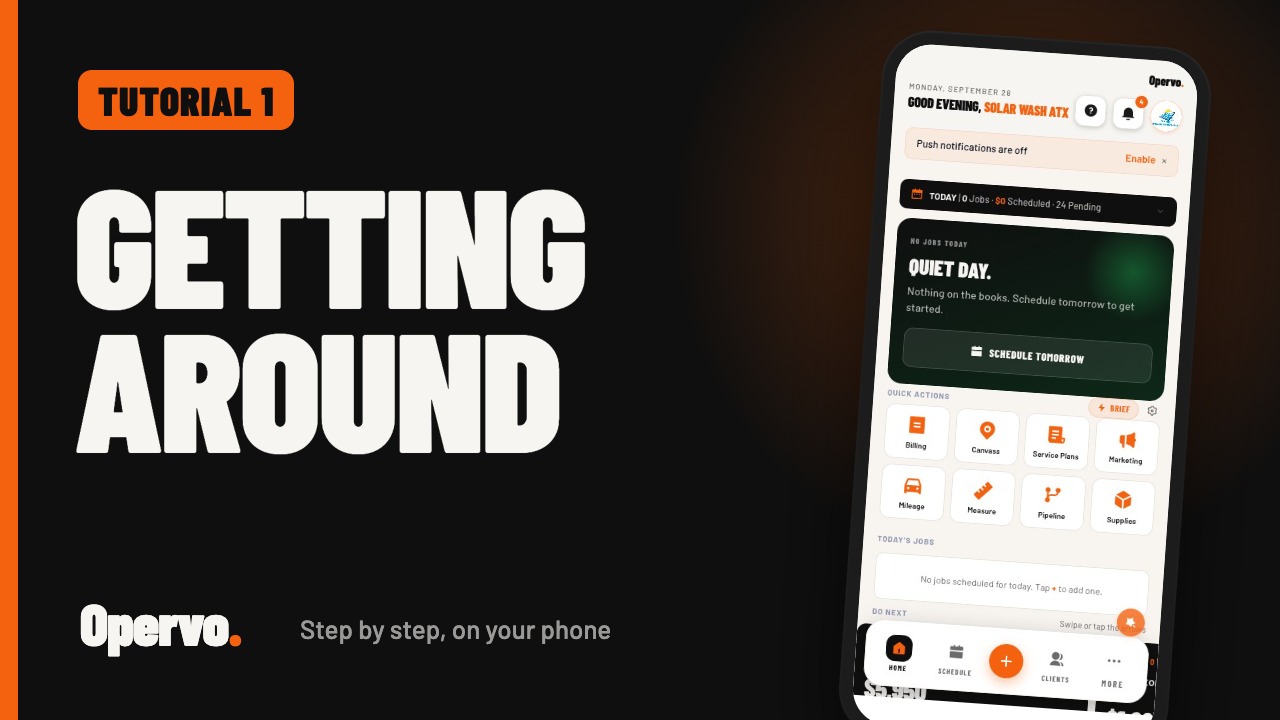
 1:32
1:32Tutorial 1Getting around OpervoHow do I find my way around the Opervo app?
 1:14
1:14Tutorial 2Adding your clientsHow do I add a client in Opervo?
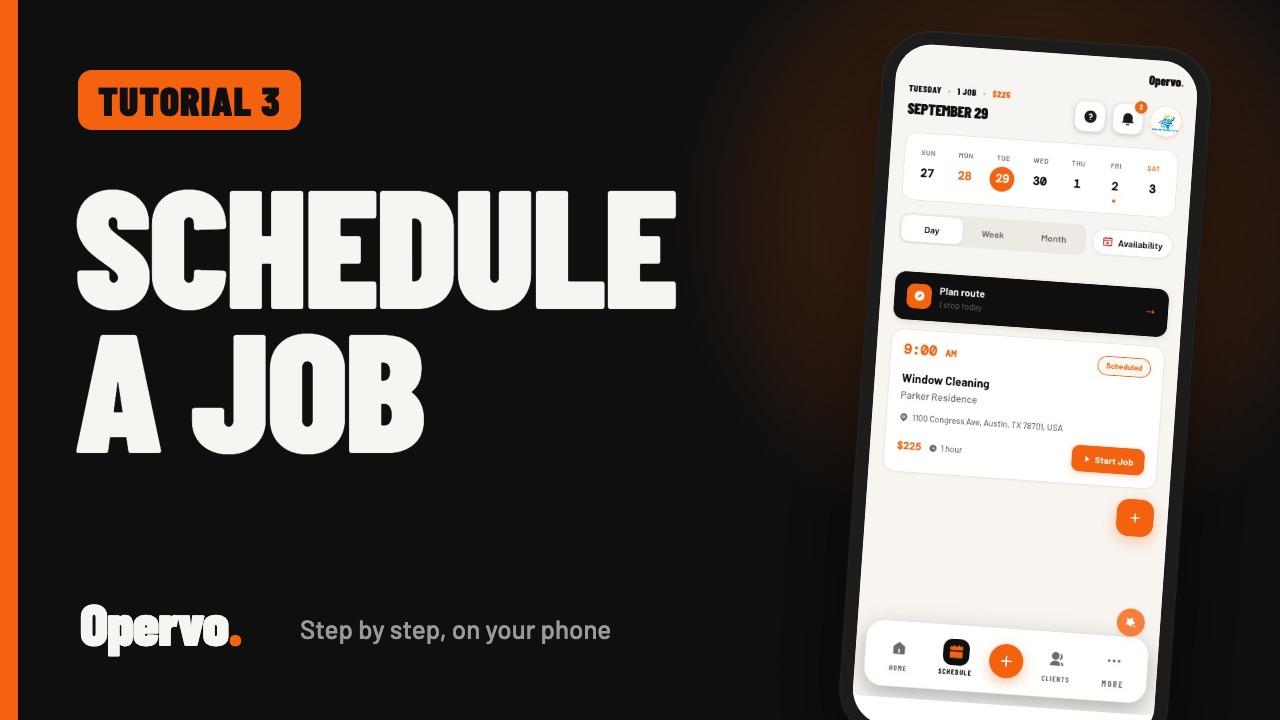 1:09
1:09Tutorial 3Creating and scheduling a jobHow do I schedule a job in Opervo?
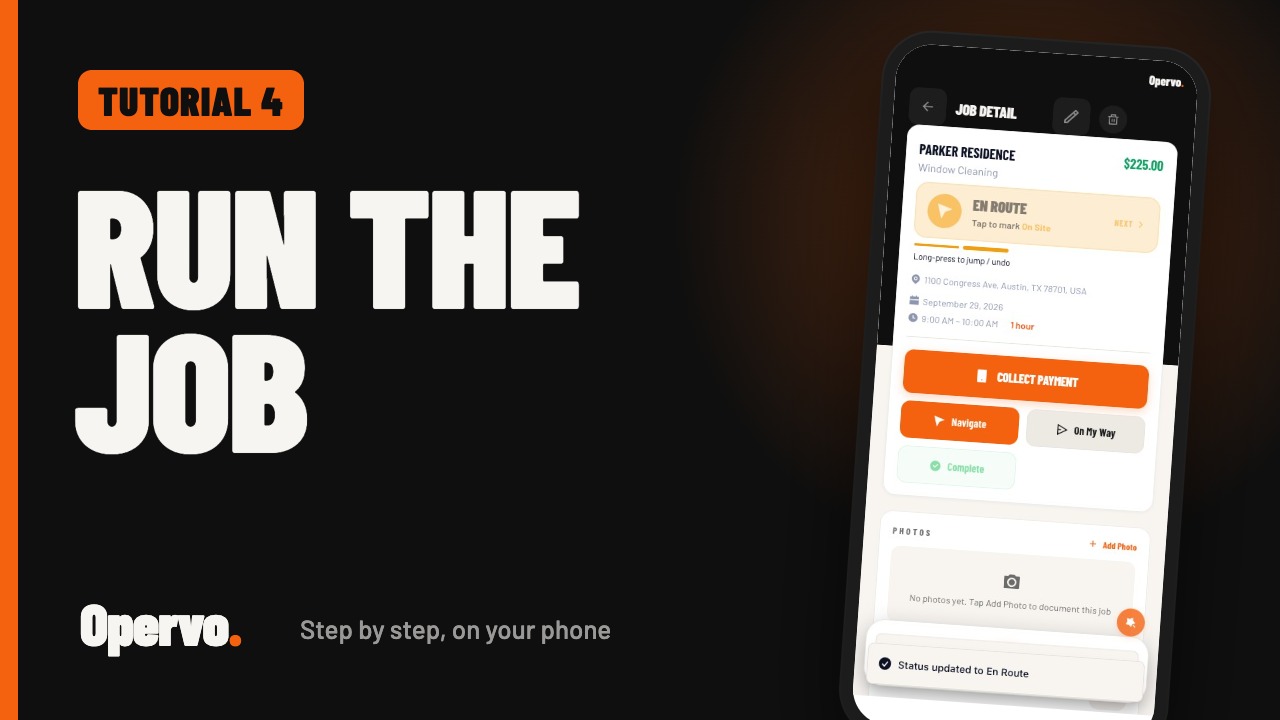 1:10
1:10Tutorial 4Running a job on the dayHow do I update a job while I am working in Opervo?
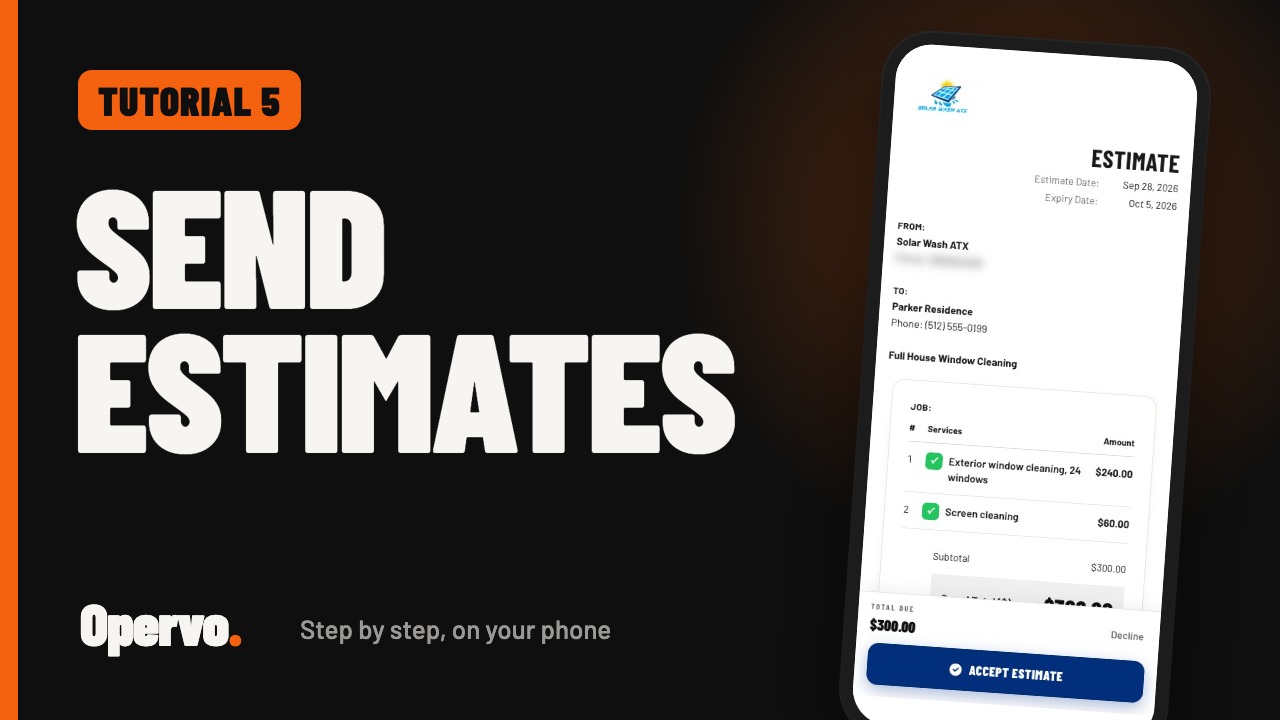 1:24
1:24Tutorial 5EstimatesHow do I send an estimate in Opervo?
 1:04
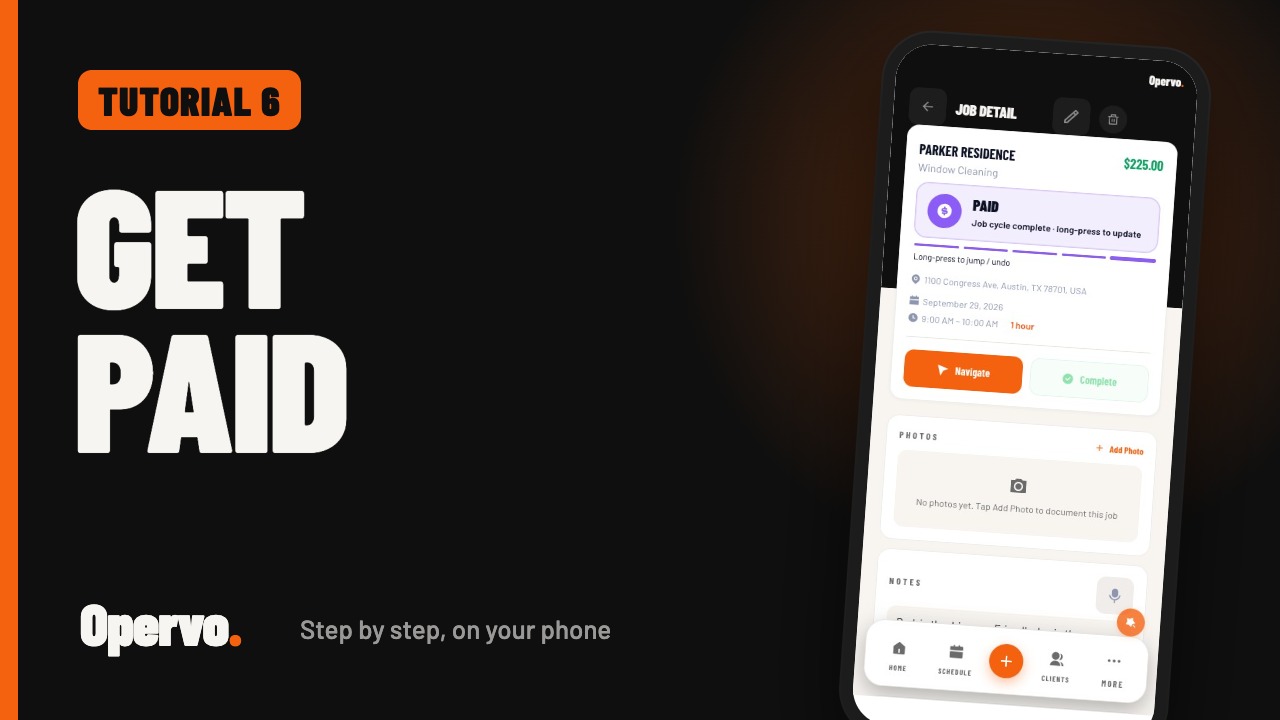
1:04Tutorial 6Invoices and getting paidHow do I invoice a job and record a payment in Opervo?
 1:03
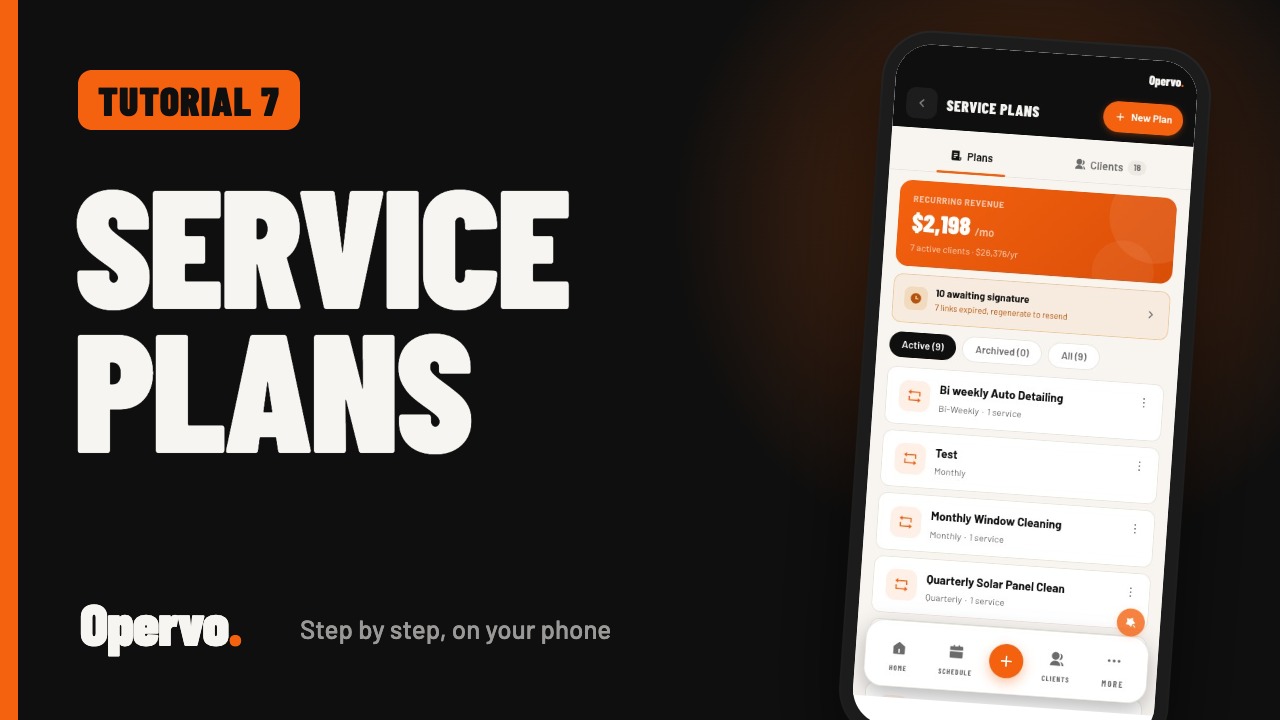
1:03Tutorial 7Service plansHow do I set up recurring service plans in Opervo?
 1:46
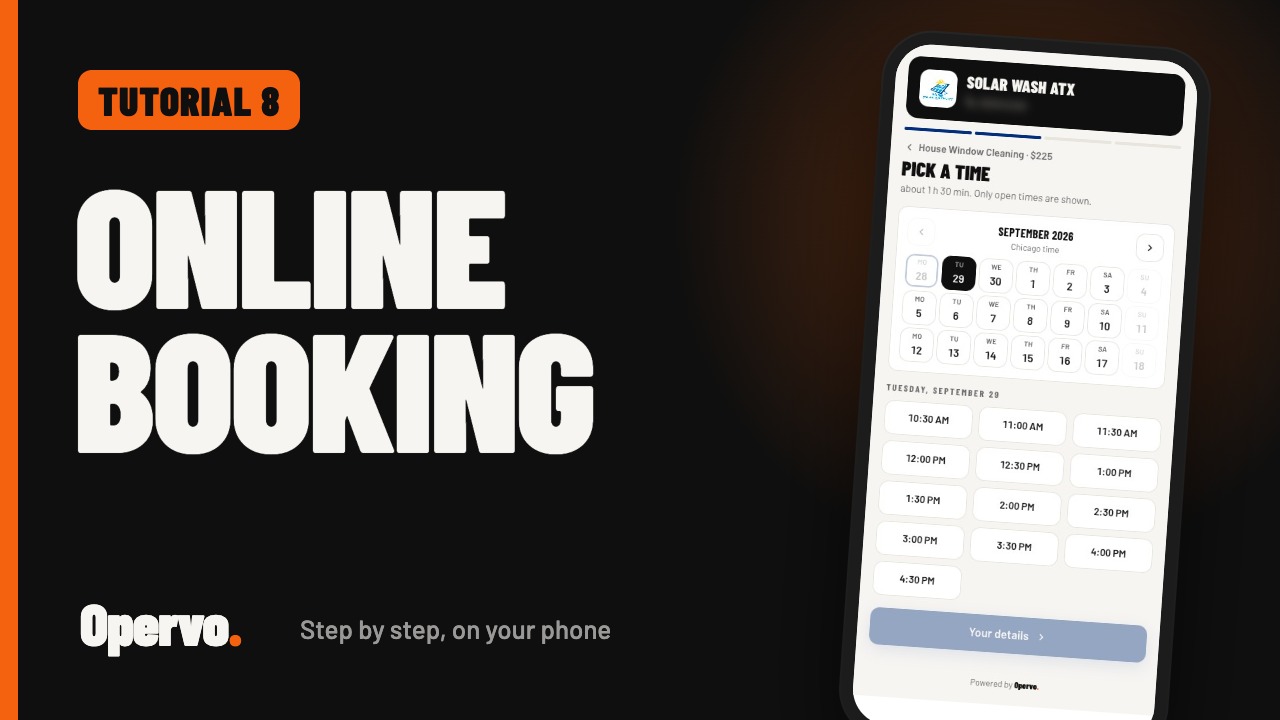
1:46Tutorial 8Online bookingHow do customers book a time with me online in Opervo?
 2:13
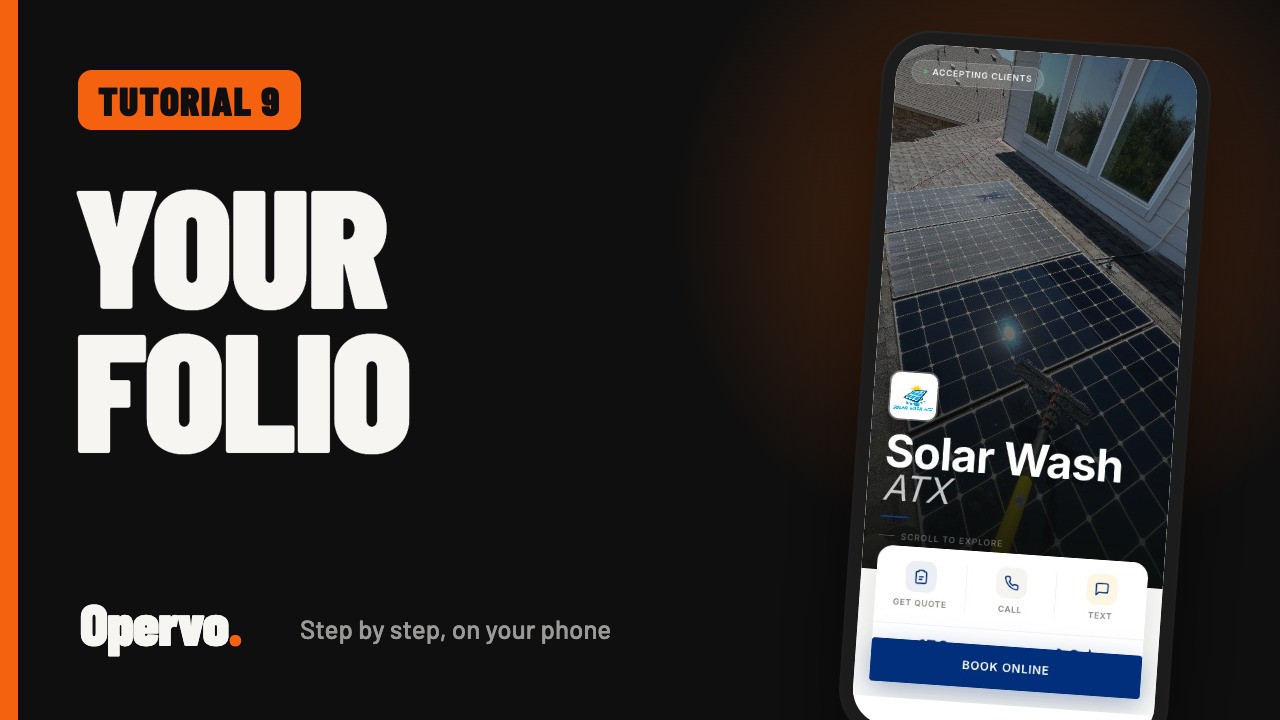
2:13Tutorial 9Your folioWhat is an Opervo folio and how do I set it up?
 1:32
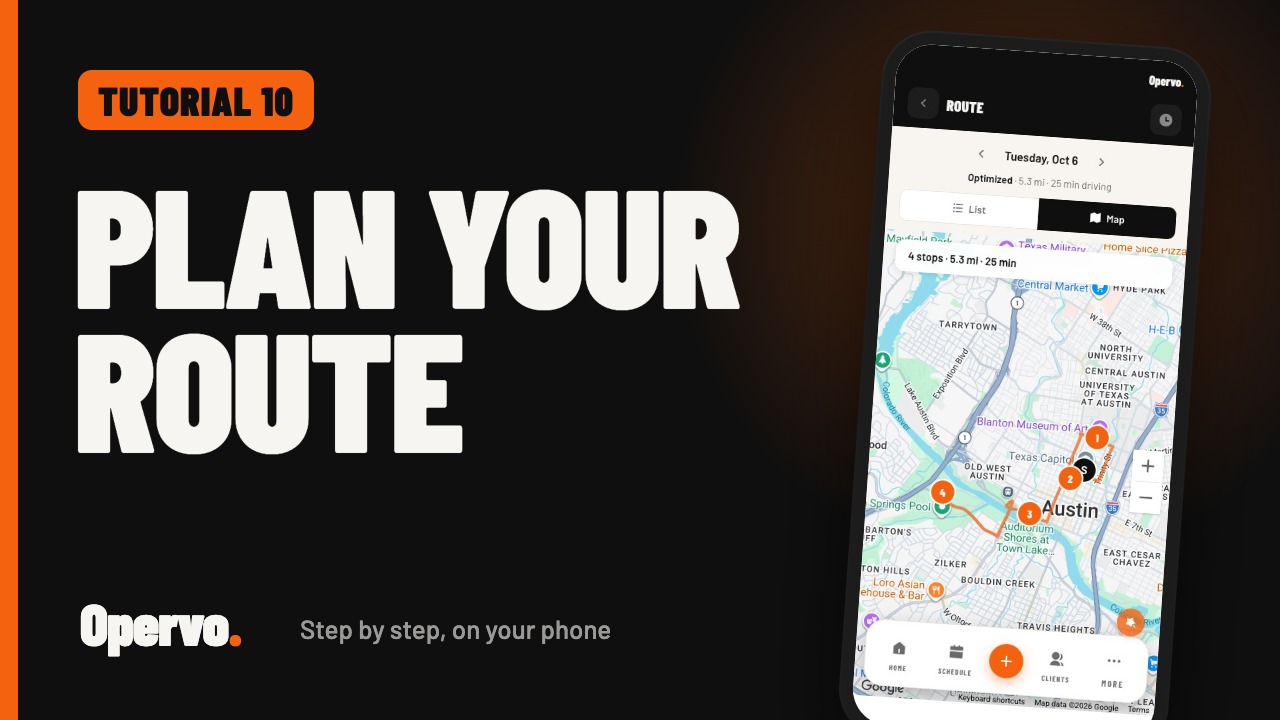
1:32Tutorial 10Route planningHow do I put my day's jobs in driving order in Opervo?
 1:20
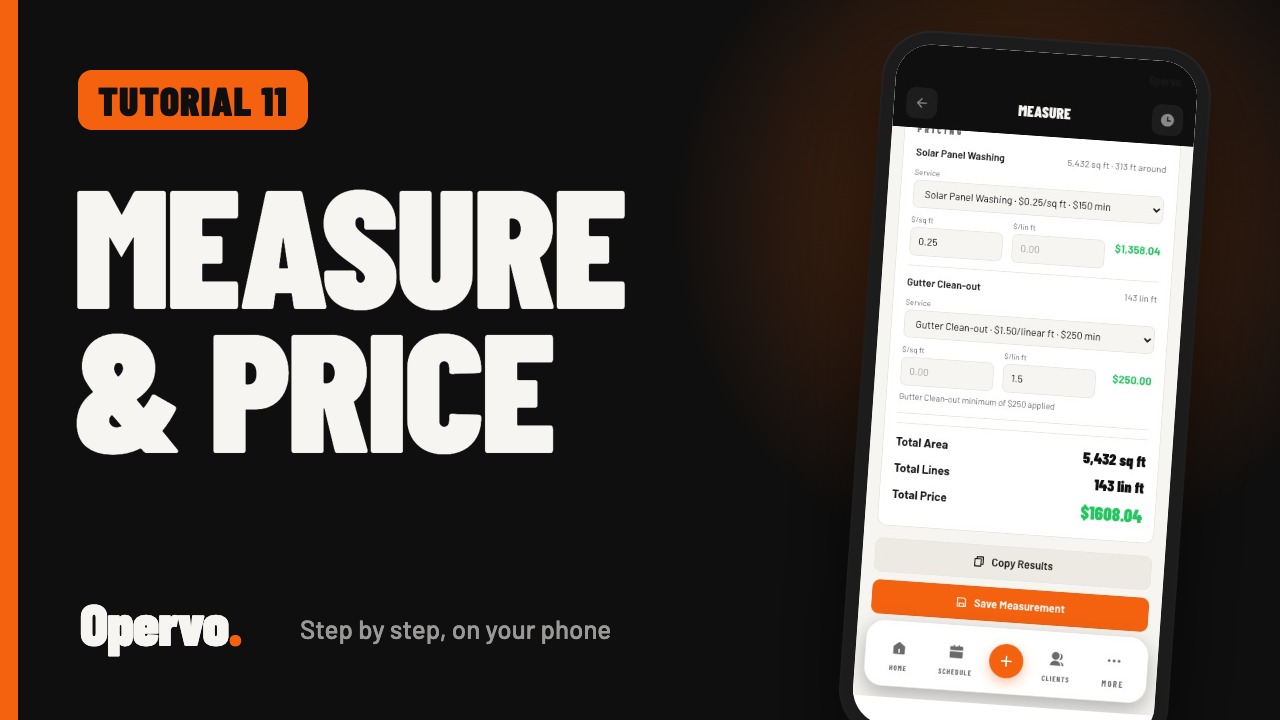
1:20Tutorial 11MeasureHow do I measure a property from a satellite view in Opervo?
 1:37
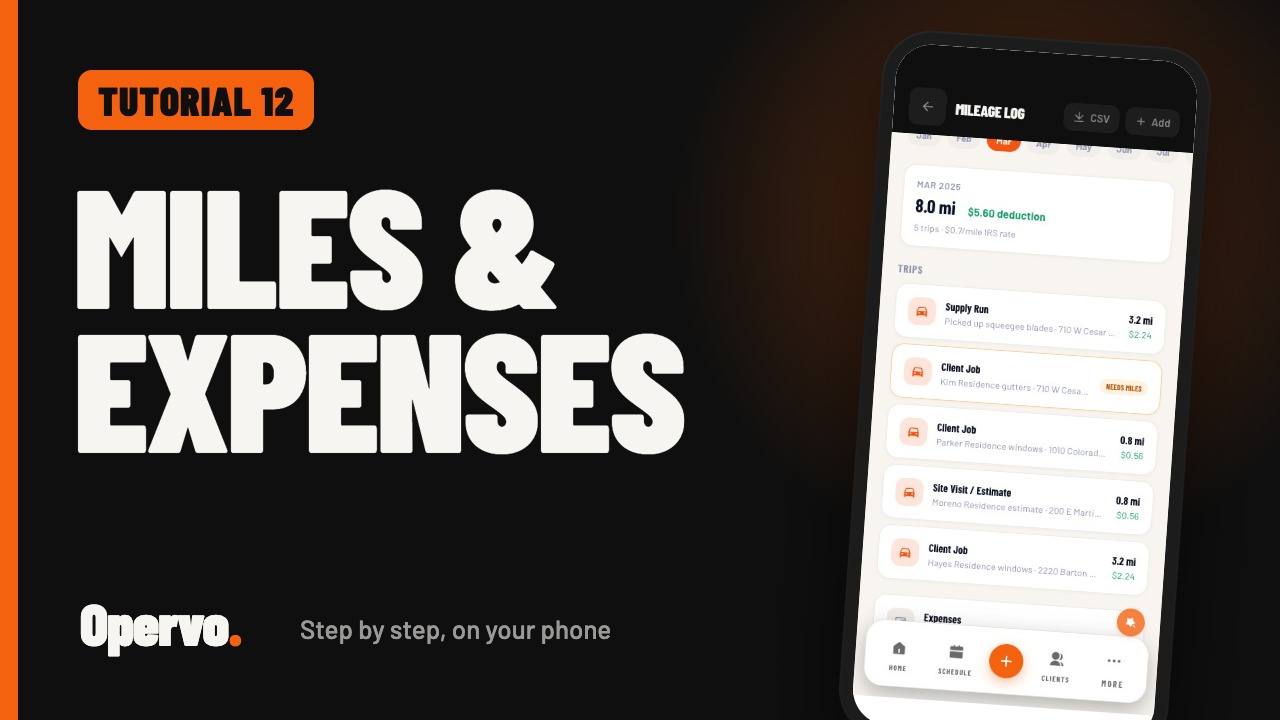
1:37Tutorial 12Mileage and expensesHow do I log business mileage and expenses in Opervo?
 1:13
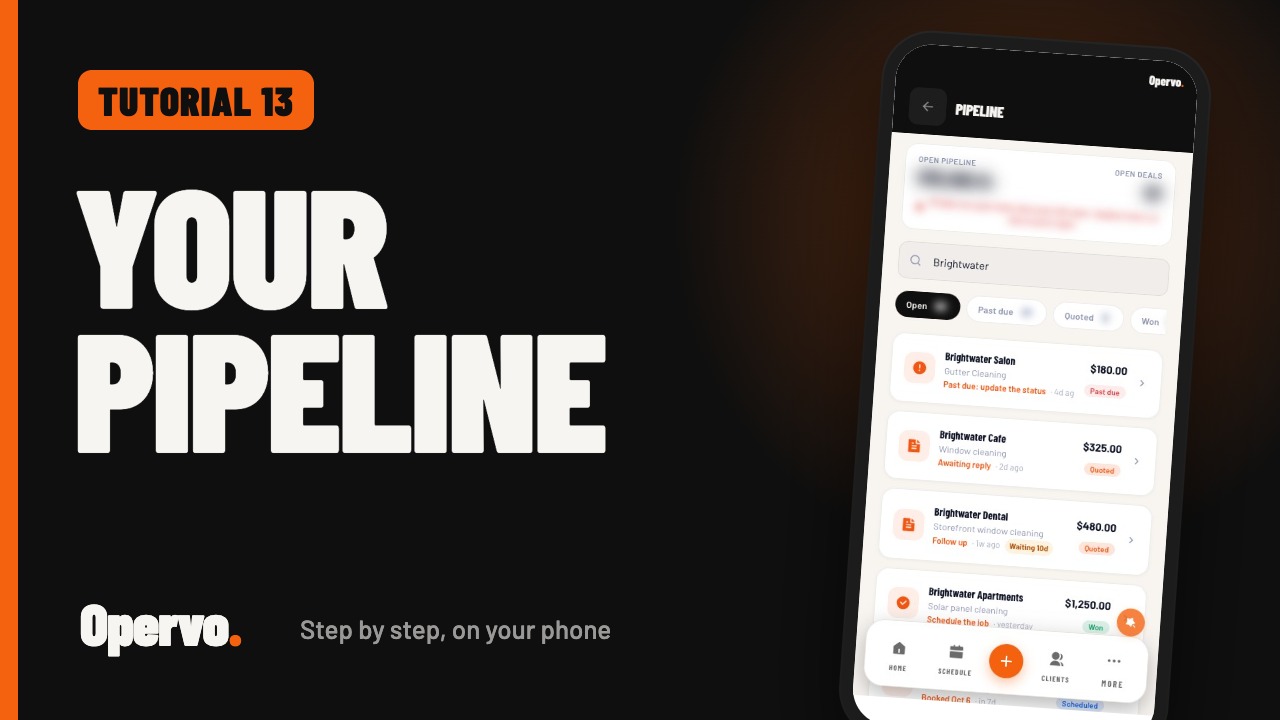
1:13Tutorial 13PipelineHow do I see every quote, job, and invoice in one list in Opervo?
 1:32
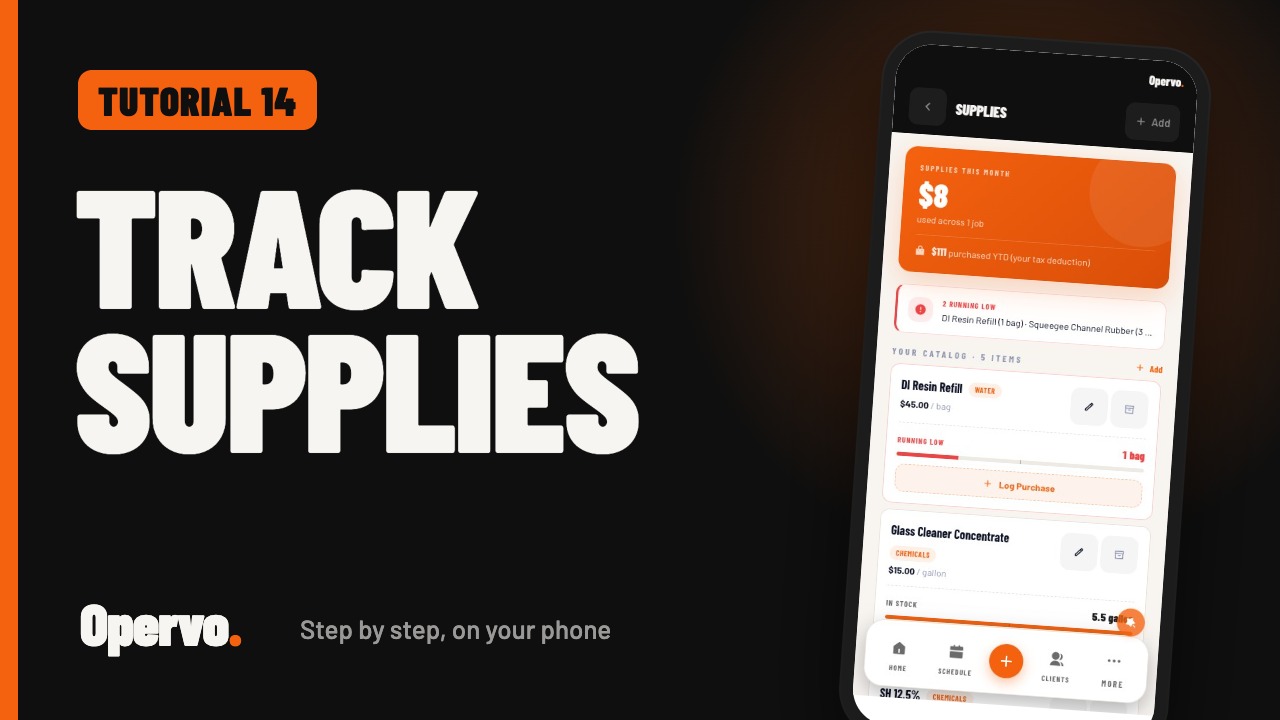
1:32Tutorial 14SuppliesHow do I track the supplies I buy and use in Opervo?
 1:51
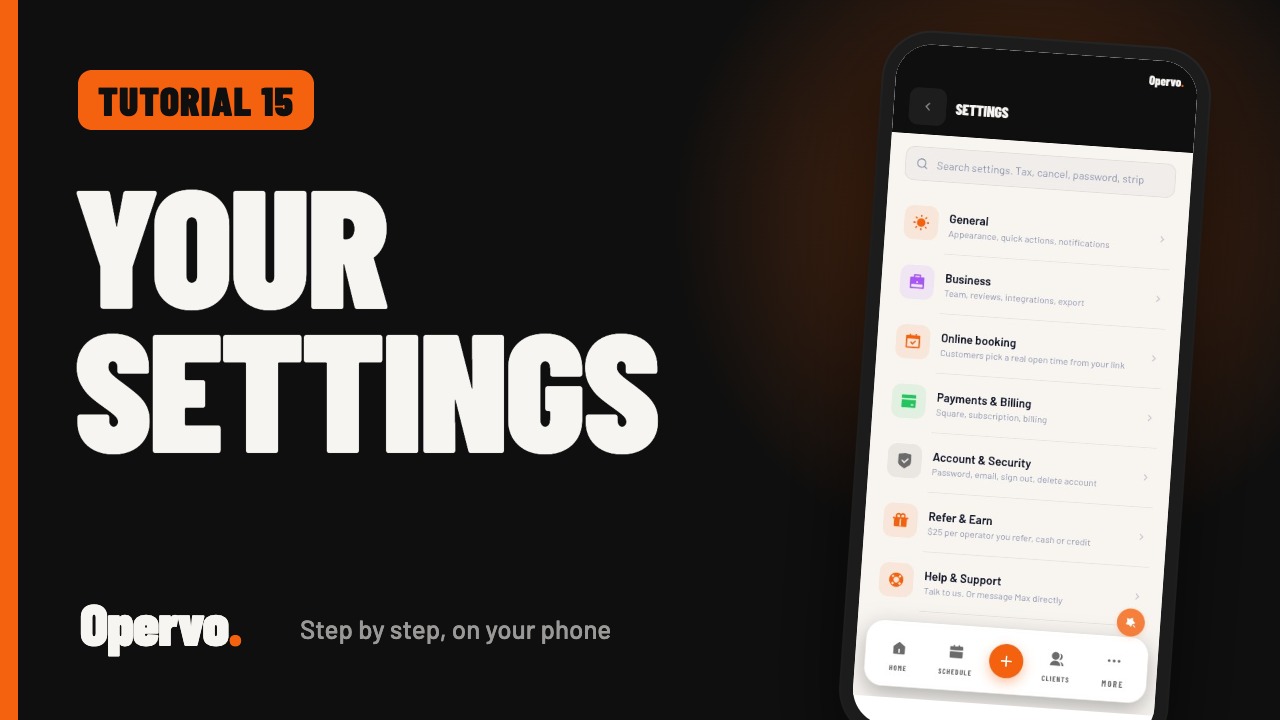
1:51Tutorial 15SettingsWhere do I change my app, business, and payment settings in Opervo?
 1:39
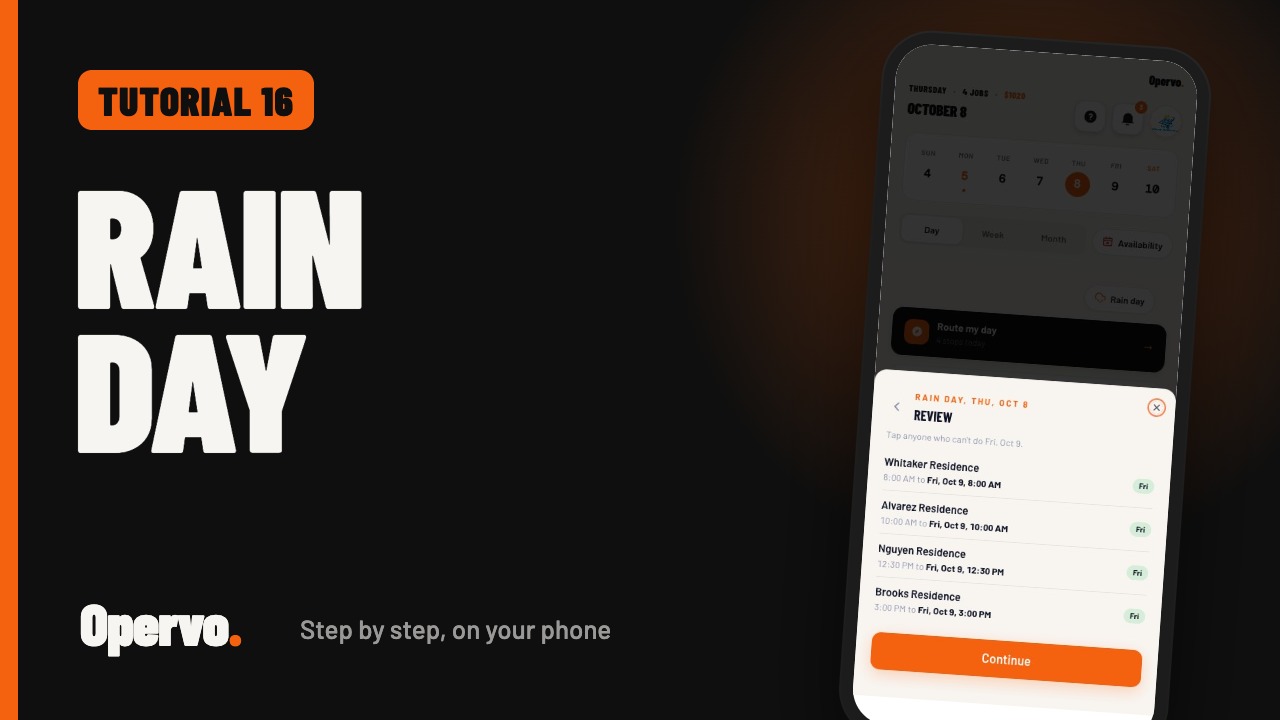
1:39Tutorial 16Rain dayHow do I reschedule every job on a rained-out day in Opervo?
Prefer to read?
Every tutorial page lists the steps in writing under the video. For a complete written walkthrough, see the Opervo User Guide, or email help@opervo.io and we will help you set it up.